Site Safety Leader Nathan wanted to find new ways to reduce safety incidents that could lead to injury or lost time.
We came up with the concept of producing a safety character alongside safety template assets, so that if a safety incident occurs, the learnings could be shared quickly and effectively to P&G sites all across the globe.
Video Production
Style:
Templated
Number of crew:
1
Number of videos:
6
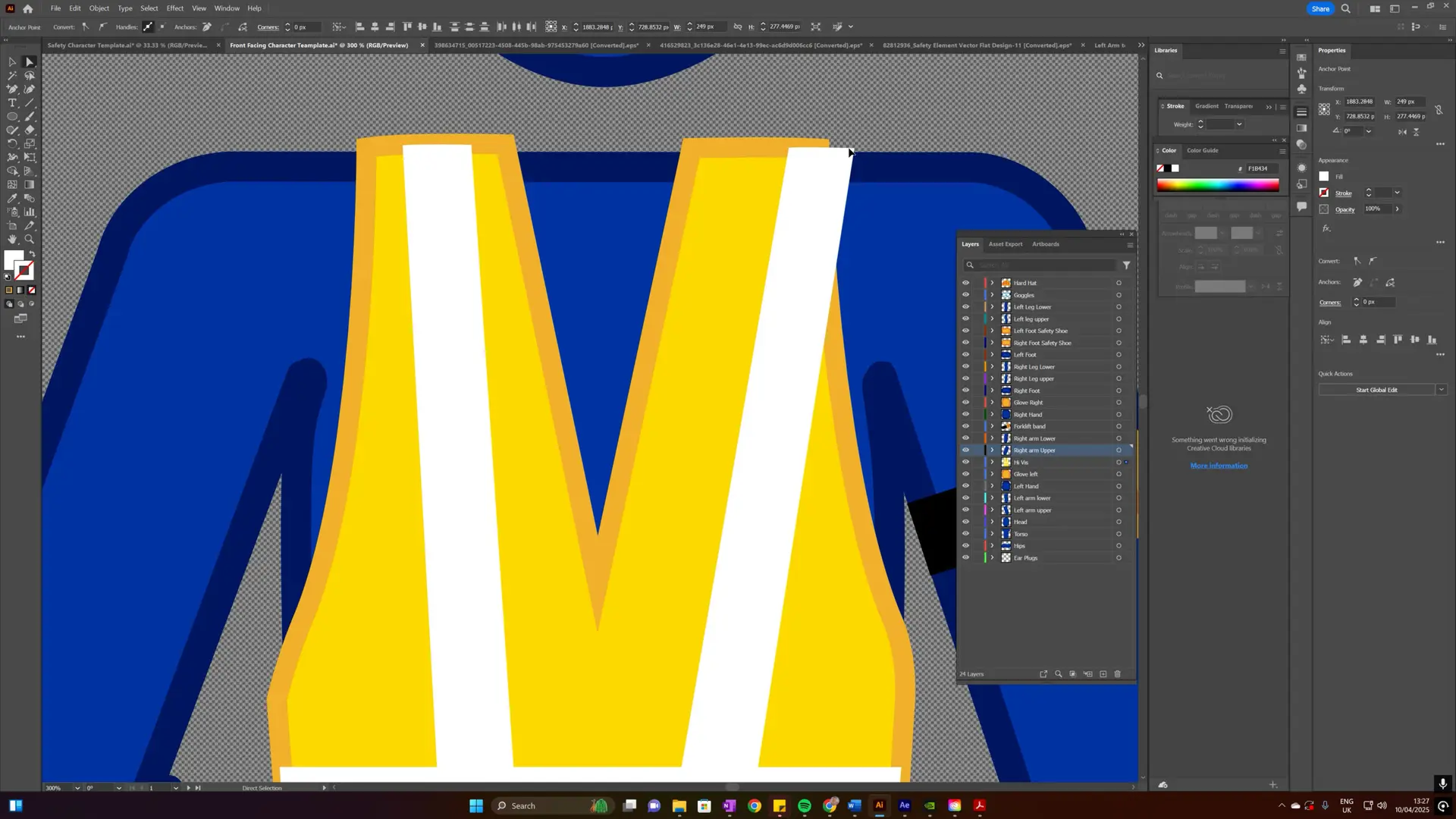
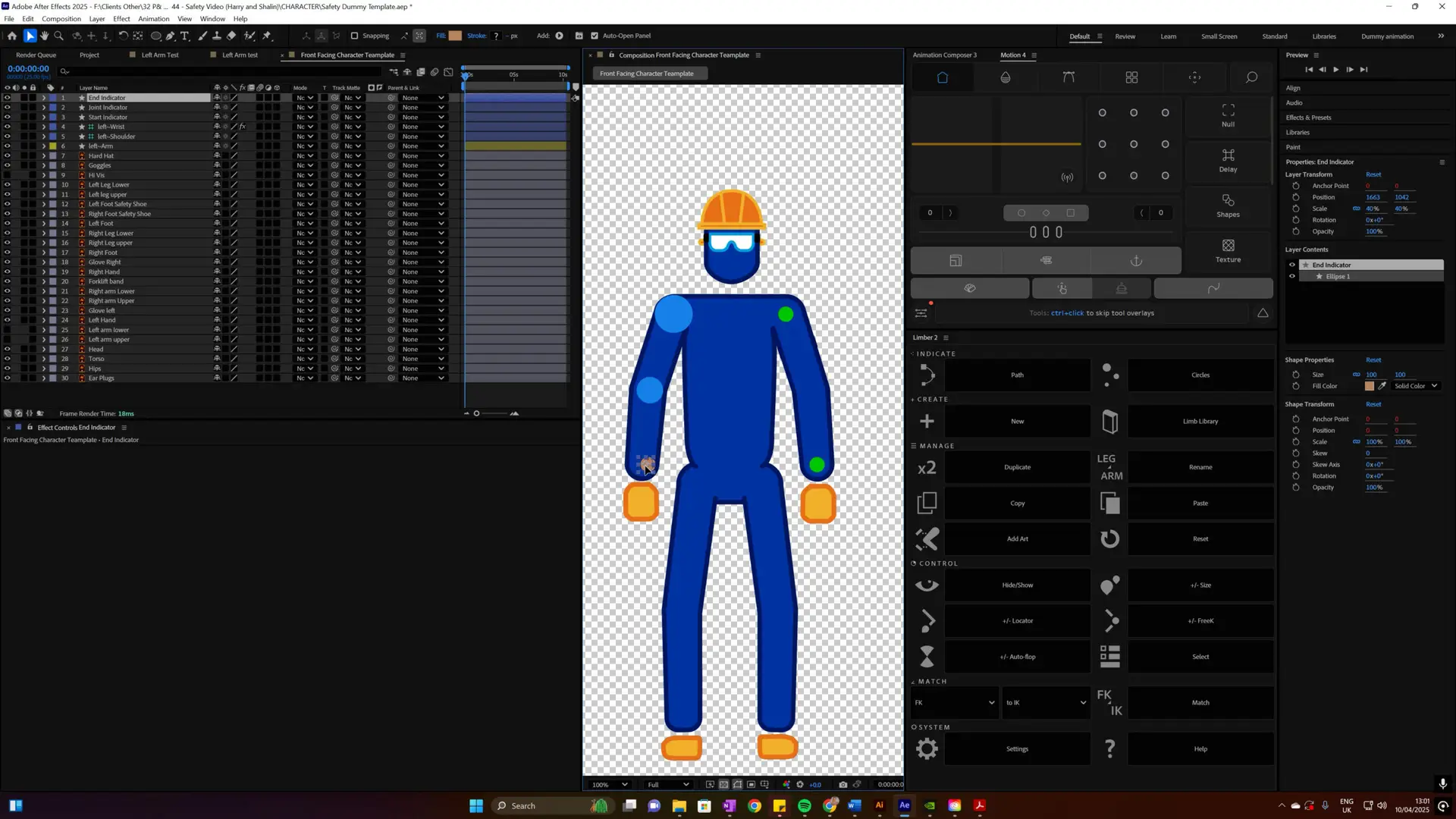
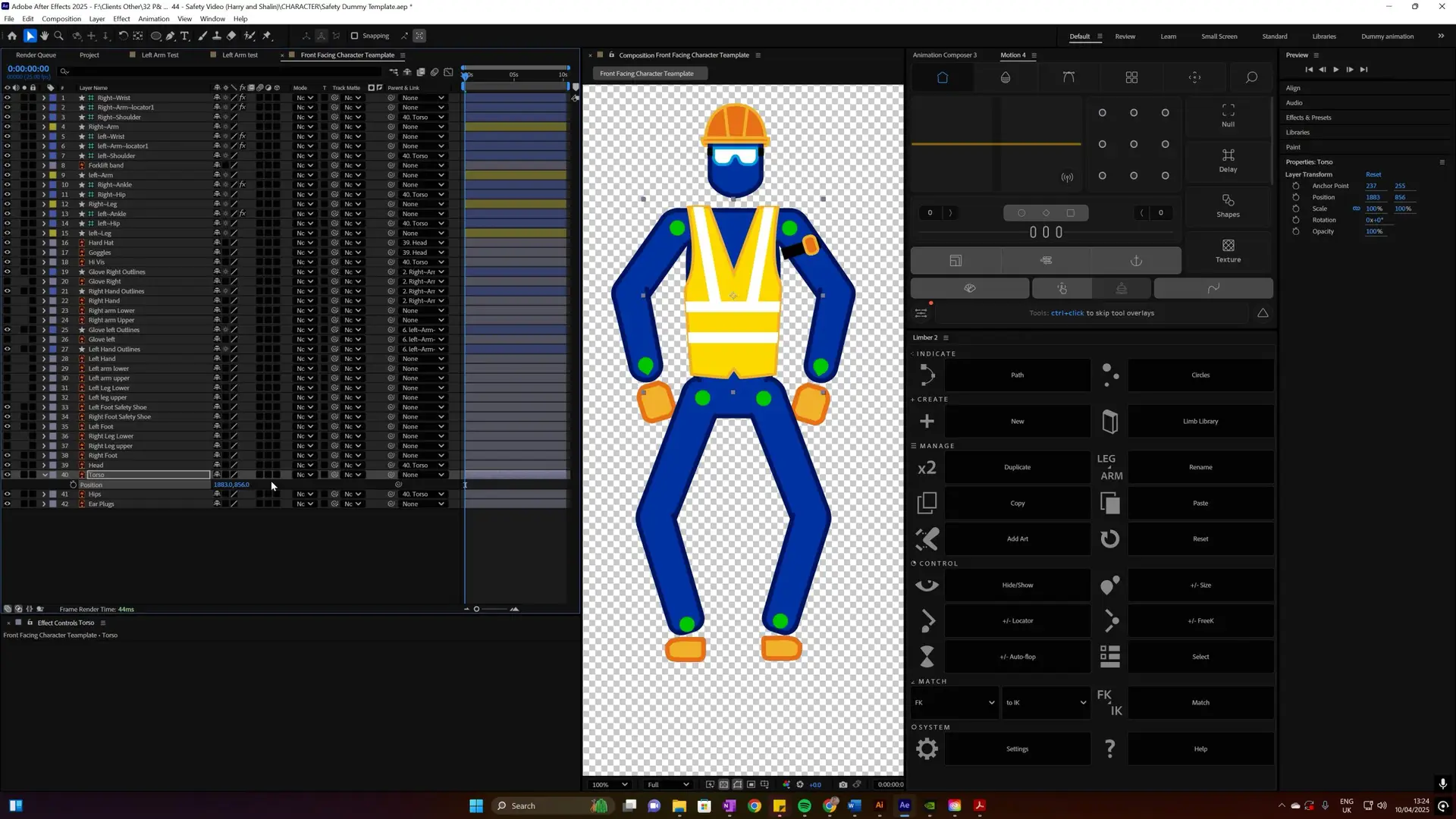
Design and rigging of a safety character that could be moved and animated to show how an incident occurred.
Drag-and-drop assets can work across any editing platform. But will will design them to be as functional as possible for your designated platform.
We create our motion graphic templates using Adobe Creative Cloud suite and the final MOGRT files will be compatible with Adobe Premiere Pro. We can also tailor solutions for other platforms based on your team’s workflow.
Absolutely! We design templates based on your brand’s colors, fonts, and style guidelines, ensuring that every video aligns with your company’s identity while allowing flexibility for your team.
By providing pre-built, easy-to-use assets, your team can quickly create professional videos without starting from scratch. This reduces editing time, eliminates inconsistencies, and ensures brand compliance across all content.
Assets will still be usable as software updates.
We can offer ongoing support and updates where required, allowing you to refresh your templates as your brand evolves. Whether you need new graphics, animations, or modifications, we can ensure your assets stay relevant and effective.
We have created a handy cost calculator for you to get a bespoke cost for your needs.
We also offer a limited number of free strategy sessions, to provide you with a plan to maximise the impact based on your budget. Get in touch to see if we have any slots left for this quarter.
The following list will vary based on each of your product/service types and distribution channels. This scope is defined during the initial free consultation.
Live Action
Production
Tone and style
Framing, composition, frame rate
Lighting style camera movement
Environment setup
Voiceover style
Post-production
Colour grading
Audio
Resolution
Titles and text
Editing style
Subtitle style
Music style
End frames/ call to actions
Animation
Storyboarding and narrative template
Colour palette line weighting and style consistency
Animation styles
Character and asset design
Typography library of animated assets
Transitions sound effects
Logo animation templates
Motion Graphic Template Assets
Titles and text
Text call outs
Transitions
Timers and graphs
Countdowns and progress bars
Dynamic backgrounds
Intro and outro’s video
Effects callouts and pointers
Social media content agenda’s / data visualisation


 5 Characters designed from scratch in different orientations using Adobe Illustrator