Remote teams often feel disconnected, and since the isolation of COVID-19, more and more teams are working from home and relying on digital communication. While technology has enabled remote work, it has also created a gap – without face-to-face interactions, employees can feel out of the loop, leading to disengagement and reduced productivity.
So, how can remote teams stay aligned and informed?
For all teams, smooth communication is essential to keep operations running efficiently. But with teams spread across different locations, shifts, and time zones, ensuring that everyone is on the same page is a major challenge. Traditional communication methods – email chains, lengthy documents, and messaging platforms can fail to engage employees or provide timely, clear information.
To understand these challenges better, we spoke with remote employees in the manufacturing industry about their experiences with internal communication. Their insights highlight why traditional methods aren’t working and the need to find a solution to bridge the gap.
We spoke to Lucy, a Junior Project Manager in the manufacturing industry, who shared her thoughts on remote communication:
‘I often feel isolated from my team as I work from home. Updates mostly come through emails or Slack, but it’s easy to miss things and I do miss the connection to my team that I feel in person or on video call. I often find the written communications we have, difficult to process and this can reduce my motivation in certain tasks.’
Similarly, Mark, a Senior Technician, mentioned that email updates lack clarity:
‘Email is my main way of communicating with my remote team, but I’ve noticed that when it comes to training and onboarding, written instructions often lead to a flood of follow-up questions. People struggle to fully grasp their roles and tasks just from text alone, which makes me wonder if there’s a more effective way to communicate.’
Understanding the Communication Breakdown
Remote teams face several common challenges when it comes to internal communication:
Misinterpretation – Without tone and context, written communication can lead to confusion.
Message Overload – Employees receive so many notifications that important updates get buried.
Lack of Engagement – Text-based updates and emails leave employees feeling disconnected.
The Power of Video and Digital Tools
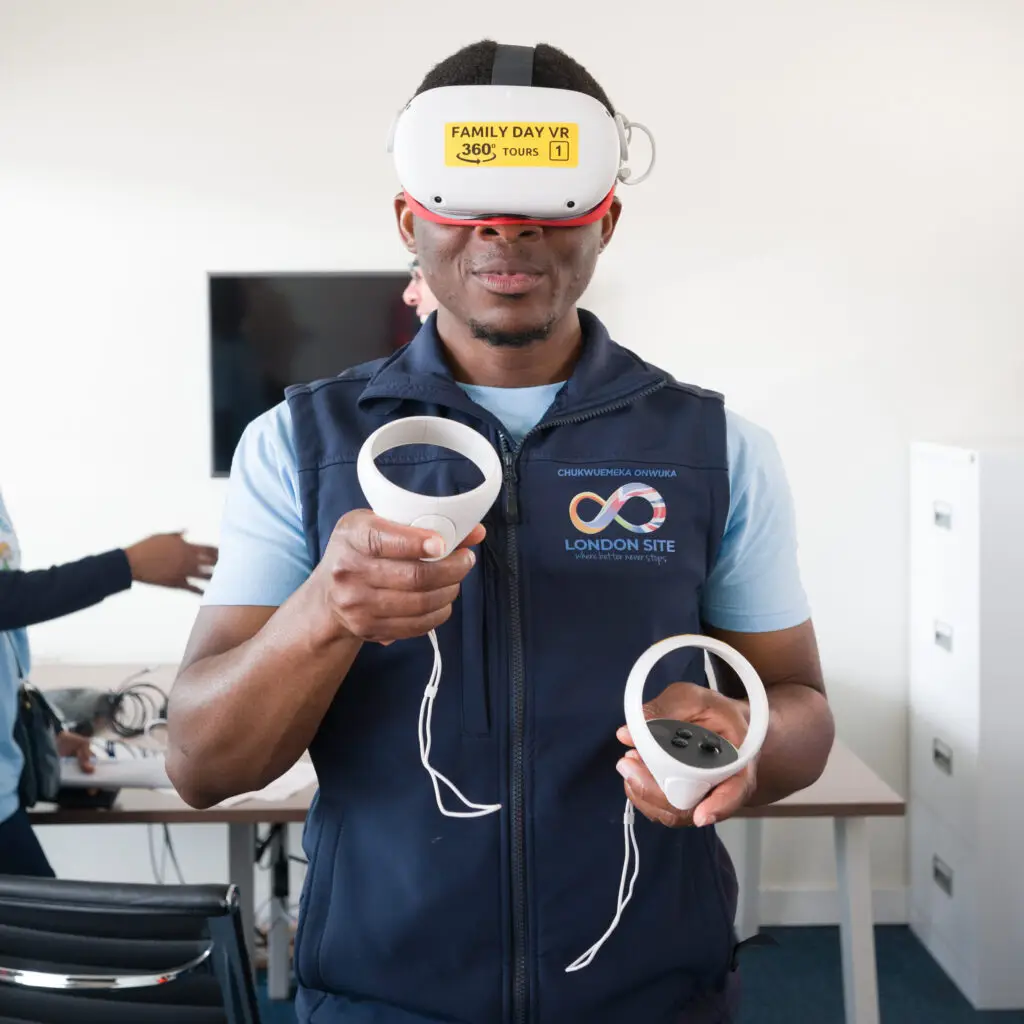
Family Day – Event
A more effective approach to internal communication includes tools that match how employees actually consume information.
Here’s what works:
Short Video Updates – Quick, digestible videos make it easy for employees to absorb key information on the go.
Centralised Communication Hubs – A single platform where employees can find updates, training, and company announcements.
Interactive Messaging – Tools like live Q&As, voice messages, and video updates create clarity and engagement.
Effective internal communication isn’t just about sending messages – it’s about making sure they’re received, understood, and acted upon. With video and digital tools, remote teams can stay connected, informed, and aligned.
Struggling to keep your remote team connected? Let’s create a communication strategy that works.
Book a free strategy call with Tale Productions today!
Share Article
Video Creation Guidlines
The following list will vary based on each of your product/service types and distribution channels. This scope is defined during the initial free consultation.
Live Action
Production
Tone and style
Framing, composition, frame rate
Lighting style camera movement
Environment setup
Voiceover style
Post-production
Colour grading
Audio
Resolution
Titles and text
Editing style
Subtitle style
Music style
End frames/ call to actions
Animation
Storyboarding and narrative template
Colour palette line weighting and style consistency
Animation styles
Character and asset design
Typography library of animated assets
Transitions sound effects
Logo animation templates
Motion Graphic Template Assets
Titles and text
Text call outs
Transitions
Timers and graphs
Countdowns and progress bars
Dynamic backgrounds
Intro and outro’s video
Effects callouts and pointers
Social media content agenda’s / data visualisation