



When it comes to running an efficient operation, clarity is everything.
Whether you’re training new staff, rolling out new procedures, or ensuring consistency across multiple sites – the way you communicate your processes directly affects productivity, safety, and compliance.
Yet too often, these critical instructions are buried in PDFs and PowerPoints that few employees actually engage with. The result? Confusion, inconsistency, and costly mistakes.
So how do you create operational content that’s clear, accessible, and actually used?
Why Text-Based Process Documentation Falls Short
Let’s face it – no one gets excited to read a 30-page document. Even well-written documents struggle to convey the details of hands-on tasks. And when employees are busy or under pressure, they’re far more likely to skip or skim dense documentation.
Research shows that people retain just 10% of information they read – compared to 95% retention when watching a video (Insivia, 2023). That gap in understanding can lead to errors, downtime, and rework.
How Visual Content Improves Operational Clarity
Visual tools like video and photography bring procedures to life.
They eliminate guesswork, remove ambiguity, and provide a consistent reference point that teams can return to at any time.
Here’s how companies are using visual formats to drive efficiency:


1. Process Videos for Training and Quality Control
Instead of relying on written instructions, many manufacturers now use step-by-step process videos to train staff on equipment use, safety procedures, and product assembly. These videos ensure every employee – across all shifts and locations – receives the same clear guidance.
2. Drone Footage for Site Overviews and Logistics
Large facilities can be hard to explain on paper. Drone footage offers a fast and engaging way to map out production lines, safety zones, logistics routes, and more – all from a bird’s-eye view.
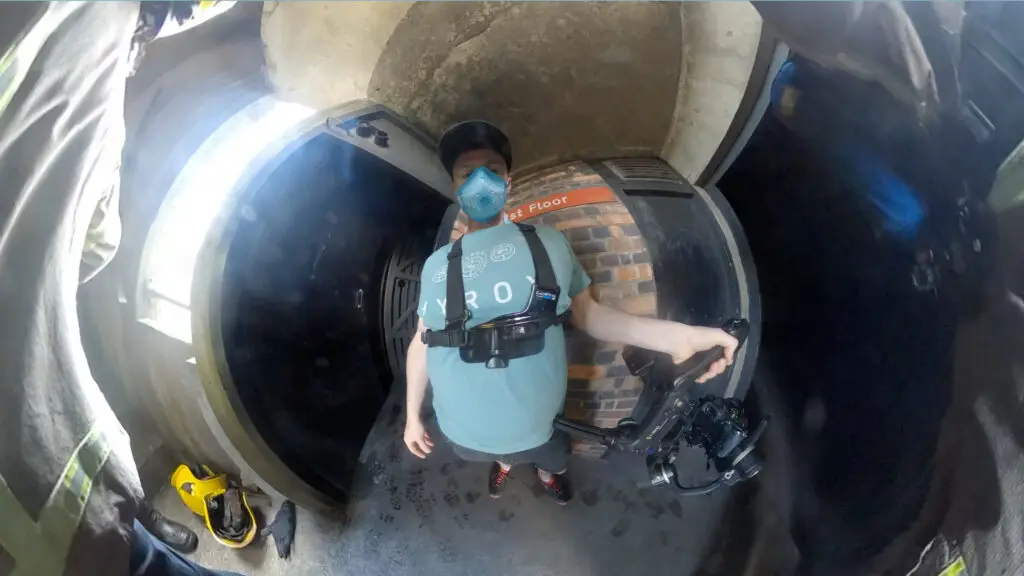
3. 360° Walkthroughs for Onboarding and Inductions
Immersive virtual tours give new hires a sense of space and familiarity before they even step onto the site. It’s an efficient and engaging way to handle health and safety inductions or pre-arrival orientations.
Video vs. Written SOPs: A Quick Comparison
| Feature | Written Documentation | Video Content |
|---|---|---|
| Retention | ~10% | ~95% |
| Clarity of complex steps | Low | High – visual demonstration |
| Engagement | Low | High |
| Consistency across locations | Variable | Standardised delivery |
| Accessibility in fast-paced environments | Poor | Excellent (pause, replay, mobile access) |
Operational Benefits of Going Visual
Scalability: Replicate best practices across teams, departments, or sites.
Faster Training Times: New staff get up to speed more quickly with video instruction.
Fewer Errors: Visual clarity reduces misunderstandings and operational mistakes.
Improved Compliance: Easier to track, audit, and ensure consistent procedures.

Effective internal communication isn’t just about sending messages – it’s about making sure they’re received, understood, and acted upon. With video and digital tools, remote teams can stay connected, informed, and aligned.
Struggling to keep your remote team connected? Let’s create a communication strategy that works.
Book a free strategy call with Tale Productions today!


